
Casting IPTV to a TV: Cast Button or Screen Mirroring?
Try the receiver and controls you plan to use.
By TereaTV editorial team · Published November 13, 2026
A phone that plays a stream successfully does not automatically make the television a compatible receiver. Start with how you want to watch. If you need your phone free for calls or messages, test what happens to the TV picture when you leave the player.
TereaTV sells subscriptions. This guide offers buying and setup checks, not a claim of independent service testing or universal device support.
Check current TereaTV trial eligibility
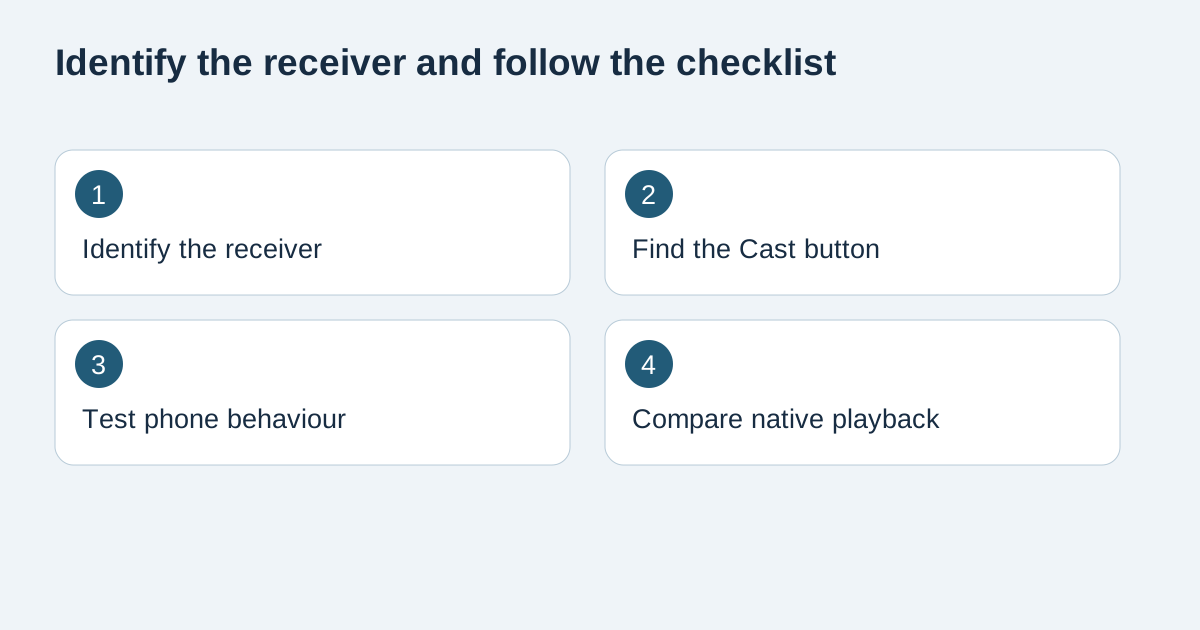
Identify which action you are taking
A Cast button inside a compatible app lets you select a supported receiver. A system option to mirror the screen displays the phone's screen on the television. These actions can produce a similar first picture but behave differently when you switch apps. A TV with an HDMI input alone does not establish either capability.
Make a short living-room test
Put the compatible phone and receiver on the same Wi-Fi network for the initial Google Cast test. Open an authorised item in the intended app, select the receiver and watch the television. Try pause and resume, then switch away from the app. Write down what happens rather than assuming the phone can be locked.
Know what other people might see
Mirroring can expose banners or messages that appear on the phone. Use innocuous content for the first test, and stop sharing before opening a billing page or entering credentials. Some protected content or apps may restrict mirroring. Ask about supported playback methods rather than buying an adapter on a guess.
Choose the method that fits the room
Test who can pause playback when the person with the phone leaves. If a household needs an ordinary TV remote, compare a supported native TV player with the phone workflow. TereaTV sells subscriptions. Check your device and player against the current plan information before paying. Consult Google casting instructions for receiver and app requirements.
Frequently asked questions
Why is there no Cast icon?
Confirm the specific app supports casting and the receiver is compatible and discoverable.
Does mirroring always include sound?
Check sound on the intended receiver during a test. Behaviour depends on the devices and app.
Can I switch to another app?
Try it with non-sensitive content. Mirroring can show the new screen on the TV.
Will casting change my connection allowance?
Ask the provider how it counts a receiver and simultaneous phone playback.
Do I need to buy a new television?
First identify the supported features of your existing TV and any connected receiver.
What should I record before contacting support?
Record phone and TV models, receiver type, app name and whether the failure happens before or after selection.