
IPTV on Wi-Fi or Ethernet: Run a Fair Trial Test
Compare your connection under controlled conditions.
By TereaTV editorial team - Published November 10, 2026
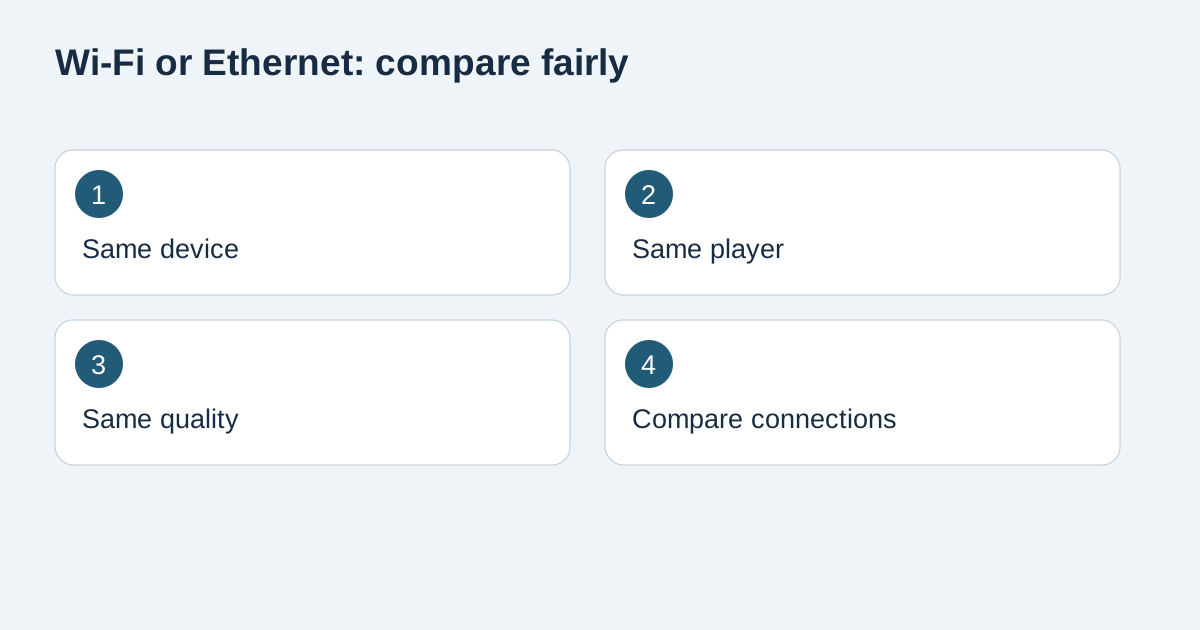
To compare Wi-Fi and Ethernet for IPTV, keep the device, player and viewing settings the same and change only the connection where your hardware supports it. Record the result at a realistic viewing time. A wired cable can remove one wireless variable, but it does not guarantee that every interruption comes from Wi-Fi or that the subscription is faultless.
TereaTV sells subscriptions. This guide offers buying and setup checks, not a claim of independent service testing or universal device support.
Check current TereaTV trial eligibility
Confirm what your device actually supports
Look up the exact television or streaming-device model before buying an adapter. Some devices have a built-in Ethernet socket; others require a compatible accessory, while some may not support the intended connection. A connector that physically fits is not sufficient evidence that the adapter and power arrangement are supported.
Google provides an Ethernet adapter guide for specified Chromecast devices. It describes a supported wired route for those products, not every Android television or streaming stick. Follow the documentation for your particular hardware and keep cables out of walkways. Do not alter a shared building or hotel network without permission.
Establish the Wi-Fi baseline first
Use the device where you normally watch, with its usual power supply and player. Record the selected Wi-Fi network, room and the time of the test. Note other heavy household activity without disconnecting somebody else's work or call. If you change several network conditions at once, you may not know which change influenced the result.
Choose content you are entitled to access and record whether playback starts, whether it stops, and whether picture and sound remain usable. Keep a short observation log instead of assigning an unsupported percentage to service reliability. A smooth session is a result for that session, not proof of month-long uptime.
Repeat on Ethernet with the same settings
If your device supports it, connect using the manufacturer's instructions and confirm the device reports the intended connection. Keep the player version, account, quality option and tested content unchanged as far as possible. Record the new time and any circumstances that changed between tests, such as other household downloads or a service update.
Do not compare a low-quality wired stream with a higher-quality wireless stream and attribute the entire difference to the cable. If a quality option is automatic, state that in the record because delivered quality may change. The aim is a useful buying check under known conditions, not a laboratory claim that you have isolated every variable.
Interpret the result without jumping to a purchase
If wired playback is consistently better in your repeated observations, local wireless conditions are worth investigating. That is a lead for further checks, not a diagnosis of the router or a guarantee that a new router is necessary. If both connections behave similarly, ask support about the account, player and affected content before assuming Wi-Fi is responsible.
Google's connection troubleshooting guidance offers device-specific checks for Google streaming equipment. Use our TereaTV setup guide for the supported account setup, and avoid changing viewing credentials merely to test a network connection. Keep the original configuration available so you can return to it if needed.
Distinguish internet speed from consistent playback
A speed-test result is one measurement at one point in time. Record when and where it was taken if you include it in a support report, and do not assume that a result on a phone describes the television's connection. An account restriction, unsupported player or stream-specific problem needs different checks even when the internet connection appears fast.
For an account that does not accept the login at all, use the login troubleshooting checklist before treating the problem as buffering. For sports viewing, the live-sports trial guide adds event availability and realistic viewing-time questions. Those checks complement the connection comparison rather than replacing it.
Save a decision record before choosing a plan
Write a short conclusion with three parts: the setup tested, what you observed and what remains uncertain. For example, “Same TV and app, two evening tests; wired playback was smoother; compatibility of a permanent adapter still needs confirmation.” That wording is more useful than claiming Ethernet fixes every IPTV problem.
Review current TereaTV plan information only after the actual setup meets your requirements. Ask about supported devices and current trial conditions before ordering. This article is published by TereaTV as a seller; the procedure is an original practical checklist, not independent test data about a particular router, app or service. Keep the record so you can compare a later problem with the setup that originally worked.
Frequently asked questions
Is Ethernet always better for IPTV?
It can remove a wireless variable on supported hardware, but the outcome depends on the whole setup. Compare actual observations rather than assuming a universal result.
Do I need to buy an adapter before trying the service?
First check the device documentation and available connections. Do not purchase an accessory without confirming compatibility and a reason for the test.
Can I use a phone speed test as the TV result?
It describes the phone's connection at that moment, not necessarily the television's connection or sustained playback behaviour.
Should both tests use the same quality setting?
Yes, keep the setting consistent where possible and record any automatic quality option or change that could affect the comparison.
Does better wired playback prove the provider is reliable?
No. It is an observation about that session and setup, not a guarantee of ongoing service availability.
What should I include in a support report?
Include the device and player, connection type, timestamp, affected content, exact symptoms and the controlled checks already performed. Do not share passwords publicly.