
IPTV Subscription for Firestick: Plans, Trial and Buying Checklist
Check your device, choose the right connection allowance and open the offer that fits your TV.
By TereaTV editorial team · Published October 29, 2026
Choosing an IPTV subscription for Firestick starts with the exact device, supported player and plan allowance. Check those three together before paying. If you are considering TereaTV, its one-connection monthly checkout displayed US$15 when checked on October 29, 2026. Use the current billing offer for the final price and terms.
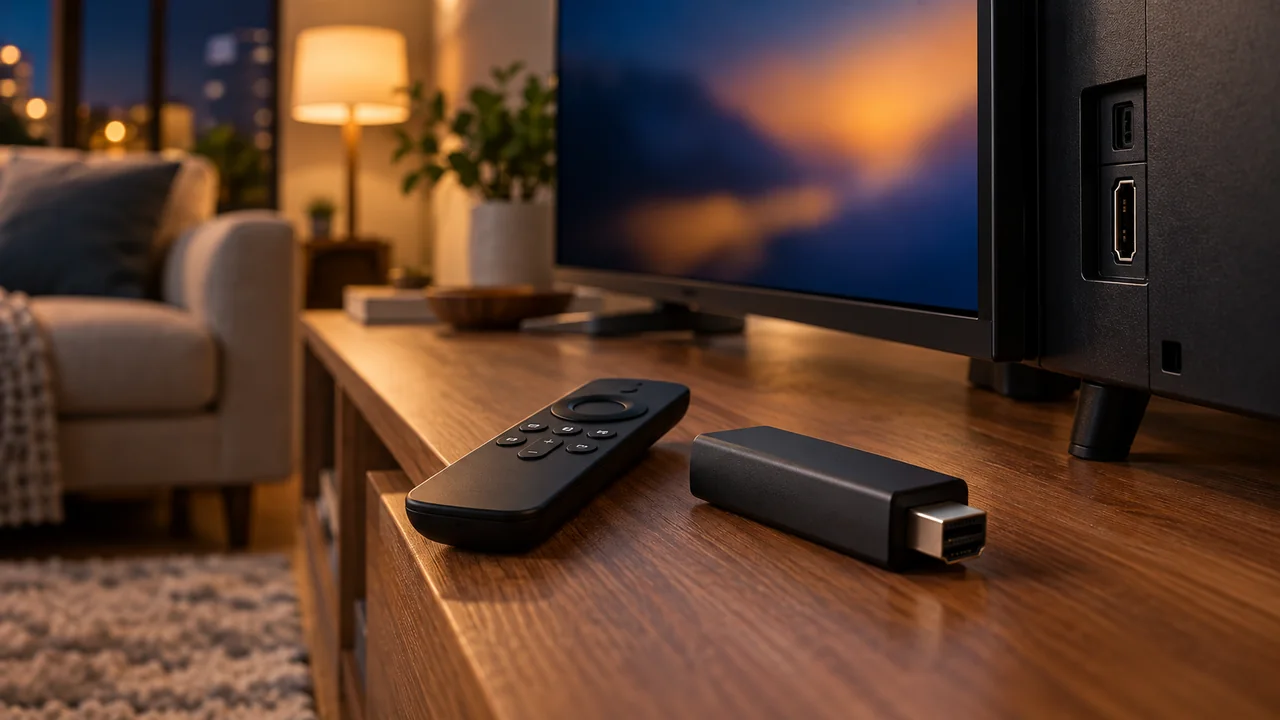
Check your Fire TV model before choosing the subscription
Firestick is a common way people search for Fire TV Stick subscriptions, but devices sold under the Fire TV name do not all have the same software platform. Record the model and software version from the device's own information screen. Send those details to the provider if the supported player is not clear.
Amazon's Fire OS overview and device table distinguish Fire OS and Vega OS models. Do not assume that an Android APK or a Downloader instruction for an older model applies to a different platform. The useful question is: 'Which supported app can I use on this exact device with the login format this plan supplies?'
Ask that question before you enter payment details. You should not need to buy an annual subscription just to learn whether an app can be installed. If the answer is uncertain, resolve compatibility through a supported trial or written setup guidance first. Our Fire Stick setup guide is the next step once your particular device and installation method have been confirmed.
Separate the streaming stick, player and IPTV account
These are three parts of one viewing setup. The hardware connects to the television, the player provides the interface, and the subscription supplies the access described in the purchased offer. Paying for one does not automatically buy the other two. A remote-friendly interface is useful only if the supported login and the service work together on your device.
If the player has a separate licence or activation cost, write it down alongside the service charge. Ask whether that licence applies to one device or an account, and what happens if you replace the stick. Use official app sources and the provider's verified instructions. Do not enter your subscription credentials into an app or website merely because it promises to 'check' an account.
Choose connections for the way the household watches
A one-connection plan is a candidate for one active stream, subject to the provider's actual device and location rules. If one person watches on Firestick while another uses a separate TV or tablet, confirm an allowance for both streams at once. Installing the player on a second device does not establish permission for concurrent playback.
Compare the advertised choices on our TereaTV IPTV pricing page, then confirm the selected allowance in billing. A larger package is useful when it meets a real requirement. It is not evidence that picture quality, content availability or support response will improve automatically.
Use a trial as a buying check on your actual TV
The TereaTV billing portal has a trial-request route. Review availability, eligibility, duration and any requirements on the current form. If trial access is issued, run it on the Fire TV device you intend to use for the paid subscription, rather than treating a phone demonstration as proof about the television setup.
Check the ordinary tasks: open the supported player, enter the issued details, start a programme, change channel and return to the guide using the remote. Try the content you specifically need and ask whether it is included in the offer relevant to your location. If the planned purchase includes several streams, ask whether the trial permits a comparable test.
Write down the device, player, time and what happened. A working trial shows what happened in those sessions; it cannot guarantee every event or future performance. If sport is the main reason to subscribe, our live-sports trial checklist helps organise the viewing checks without promising access to a particular broadcast.
Compare the complete first payment
At the date above, TereaTV's one-connection monthly checkout showed US$15. Confirm the live cart total and currency before buying, especially if you changed duration or connection count. Add any separate player licence or equipment purchase to your own budget. This article does not quote a universal price for every Fire TV setup.
A longer term may advertise a lower monthly equivalent while asking for a larger payment today. Compare the same allowance and current terms. If you have not confirmed compatibility and normal playback yet, settle those questions before increasing the commitment. Keep the order reference and the setup information issued for your purchase.
Know what happens after the trial or paid term ends
Check whether your selected order is manually renewed or attached to a recurring payment, how the next price is set, and how to stop future charges if you do not continue. Ask whether buying after a trial extends the trial account or results in new credentials. Do not assume that an expired login means you should immediately place another duplicate order.
The FTC's subscription and trial guidance explains why the offer's terms and future charges matter. Read that alongside the provider's current checkout conditions. A plan label alone does not establish refund eligibility or cancel a payment arrangement.
Keep the buying route simple
If the device, player and allowance are confirmed, you can open the monthly offer directly. If you still need to check compatibility or playback, review the trial request first. Enter payment or account details only on the intended service's billing pages. This guide supplies questions and links; the purchased order determines the actual access and terms.
For instructions after account access has been issued, use the TereaTV setup guide. For a programme-guide problem on an already working account, use our EPG troubleshooting article rather than buying another subscription to solve an unconfirmed setup fault.